How to Buy Something With Two Credit Cards Online
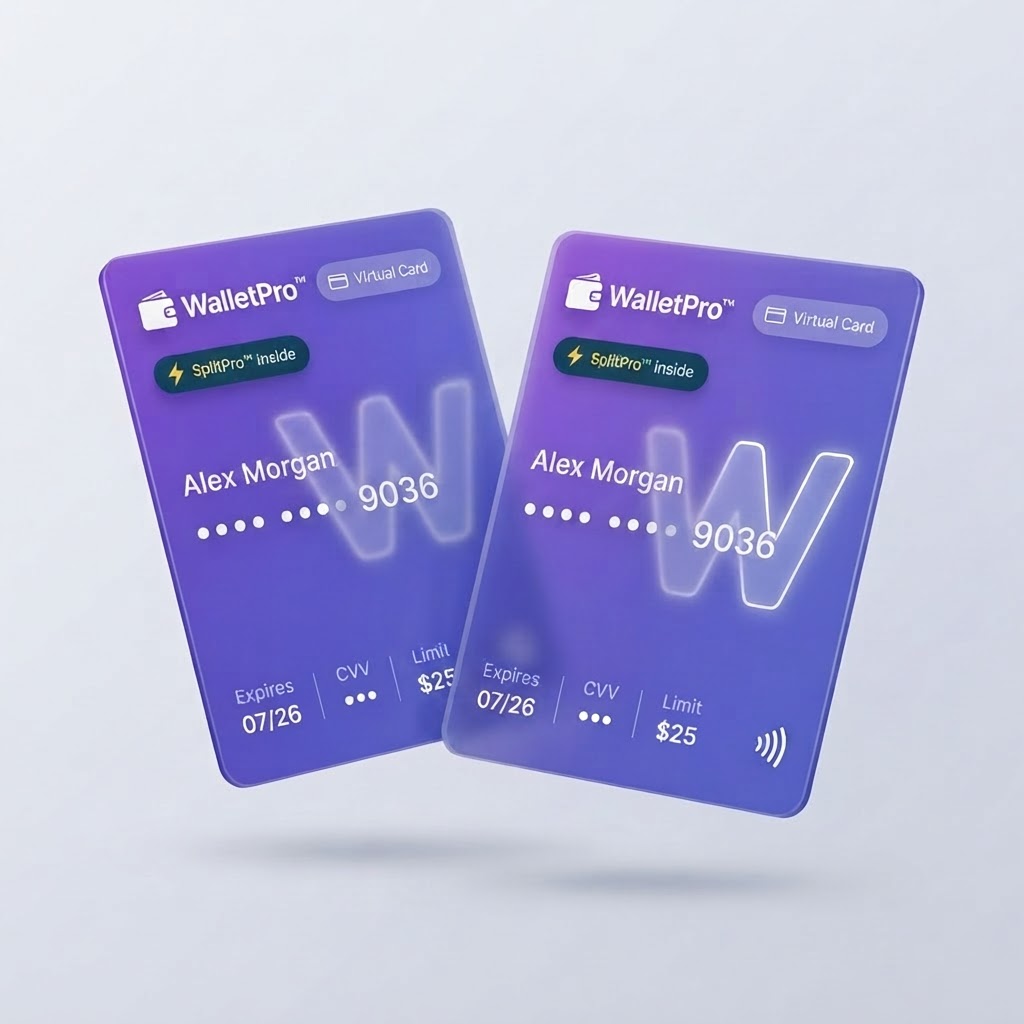
Most online stores won't let you split a checkout between two credit cards. Here's exactly how to do it — and how WalletPro™ makes it effortless with a single virtual card.
How to Buy Something With Two Credit Cards Online
You're at the checkout page. The total is $400. One of your credit cards has a $250 limit remaining, and the other can comfortably cover the rest. You just need to split the purchase across two credit cards.
Here's the problem: almost no online retailer will let you do that natively. Most checkouts accept exactly one payment method at a time. So how do you actually pull it off?
Below we break down every method that works today — and why WalletPro™ is the simplest, most reliable option.
Why Online Stores Block Split Payments
Unlike physical stores — where a cashier can run two cards for one total — e-commerce platforms are built around a single payment token per order. The underlying reason is fraud prevention and processor simplicity. As CreditCards.com notes, most online merchants won't allow you to split your payment between two credit cards directly.
Some retailers (like Gap) have historically allowed it, but the feature is rare and unreliable.
Method 1: Use a Virtual Card With Combined Funds (Recommended)
The cleanest solution is to fund a single virtual card with the combined balances you need, then use that one card at checkout. WalletPro™ is purpose-built for this:
- Issue a virtual card in seconds from the WalletPro™ app.
- Load it from your two credit cards (or any combination of cards, bank accounts, or friends).
- Check out with one card number, one CVV, one expiry — the merchant sees a normal Visa.
This sidesteps the merchant's single-payment-method restriction entirely, because to the store it looks like a single card transaction. You keep full control over limits, freezing, and spend tracking.
WalletPro™ advantage: You can set a hard spending cap, freeze the card instantly after the purchase, and even share the card with a partner — all from your phone.
Method 2: PayPal or Similar Wallets
A common workaround described by PayPal is to use a digital wallet that lets you combine a gift card or bank account with a credit card. The limitation: PayPal typically allows one card + one backup funding source, not two credit cards side by side. It also means giving PayPal access to your financial accounts.
Method 3: The Gift Card Workaround
As Reddit users frequently point out, many stores that refuse two credit cards will accept a store gift card plus a credit card. The process:
- Buy a store gift card with Card A.
- At checkout, apply the gift card, then charge the remainder to Card B.
This works, but it's clunky — you're locked into one retailer, you lose money on gift card fees, and you can't consolidate leftover balances easily.
Why WalletPro™ Wins
| Method | Two Credit Cards? | Any Merchant? | Fees | Speed |
|---|---|---|---|---|
| Direct checkout | ❌ No | — | — | — |
| PayPal | ⚠️ Limited | ✅ Where accepted | Medium | Medium |
| Store gift cards | ⚠️ Indirect | ❌ One store | High | Slow |
| WalletPro™ | ✅ Yes | ✅ Anywhere Visa is accepted | Low | ⚡ Seconds |
WalletPro™ turns "two cards" into one clean, secure virtual card — usable anywhere Visa is accepted online. No store-specific hacks, no gift card fees, no wallet lock-in.
Step-by-Step: Split a Purchase With WalletPro™
- Download WalletPro™ and create your wallet.
- Tap Issue Virtual Card and name it (e.g., "Laptop Purchase").
- Set a spending limit equal to your total.
- Add funds from Credit Card A and Credit Card B in any split you choose.
- Copy the card number, expiry, and CVV into the merchant's checkout.
- Done — freeze or cancel the card when you're finished.
Final Thoughts
Buying something with two credit cards online doesn't have to mean hunting for retailer loopholes or juggling gift cards. A single virtual card funded from multiple sources is the modern, secure way to split any online purchase — and WalletPro™ makes it take less than a minute.
Ready to split your next big purchase the smart way? Get started with WalletPro™ — it's free to try.